Vocabulary and board generation
Describe a topic such as a meal, hobby, place, or event and generate a starting set of related buttons.
Optional smart tools
If you are reviewing AI-assisted AAC for clinical or organizational use, the central question is whether it saves preparation time without displacing the AAC user’s agency or your professional judgment. Ollie can draft vocabulary, themed pages, icons, and word suggestions when requested. The AAC user and their support team still decide what belongs on a board and what is spoken.
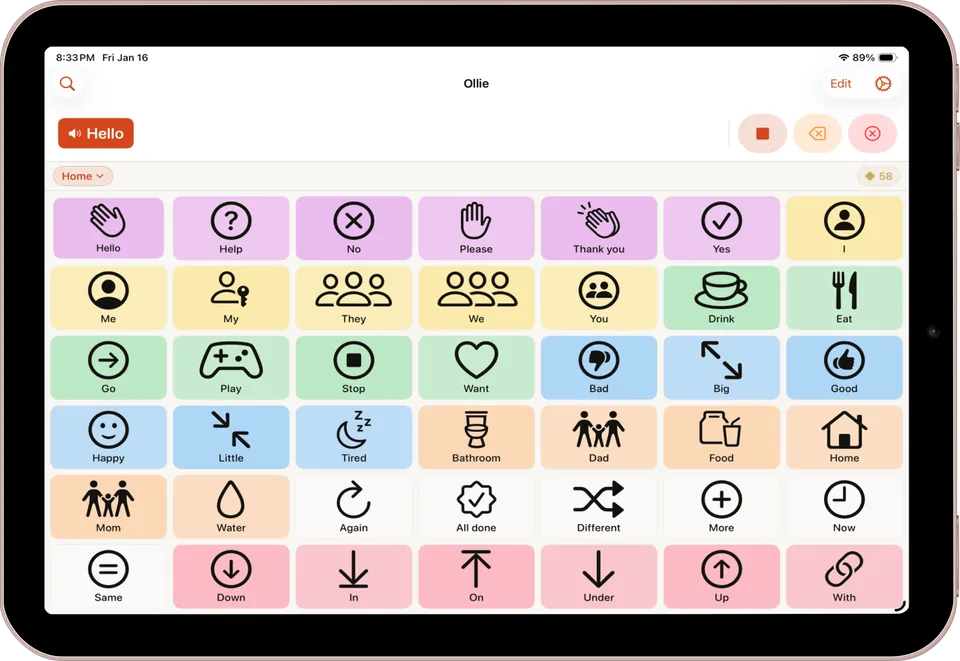
How Ollie may help
Describe a topic such as a meal, hobby, place, or event and generate a starting set of related buttons.
Create a visual for a specific word when a photo or built-in symbol is not the right match.
Request possible next words while building a message, then accept, ignore, or edit the suggestions.
Use it thoughtfully
Before choosing
Important: Ollie’s AI helps people create and organize communication materials. It does not diagnose, treat, profile a communicator, or decide what they mean.
Common questions
No. Saved boards, tap-to-speak, sentence building, and manual customization work without using AI features.
No. Ollie can suggest or generate content, but a person chooses what to add and what to speak.
In Ollie, describe the activity or topic you want vocabulary for, or use an image as a starting point. Review the generated words and pictures, edit them for the communicator, and save the board. Generation requires internet access and credits; saved core boards can then be used offline.
No. AI credits and Core access are separate. With Core unlocked, saved boards, sentence building, and standard device speech do not depend on AI credits.
Ollie limits prompts to the vocabulary or descriptive context needed for the requested feature. Review the privacy policy and AI ethics statement for current details and controls.
Start with a topic or photo, review the suggested vocabulary, and make it your own. See how the workflow fits your family or team.